Check Your Server
License Status.
Verify whether your license key is genuine, check which edition is active, confirm your bound server IP address, and see your renewal date directly from our central registry.

Ready for Validation
Paste your 16-character license key in the scanner input above to retrieve its instant registration status.
How Key Verification Works
Every Ronin Armor license is tied to our cryptographic gateway via automated heartbeats.

Cryptographic Signature
Your serial key is validated against our central database to verify authentic product entitlements and tampering protection.
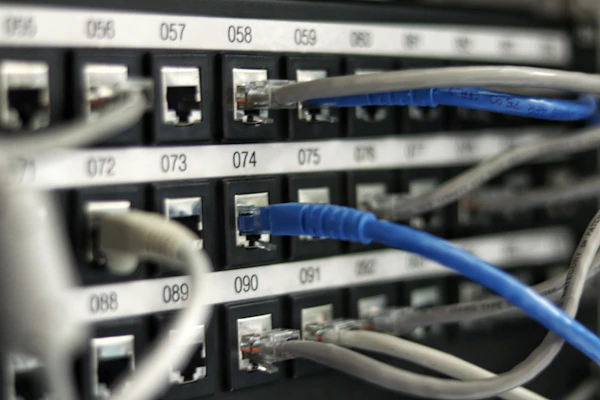
Hardware & IP Binding
The gateway checks which server IPv4 is actively bound to the key, ensuring multiple unmetered nodes cannot reuse your serial.

Real-Time Sync Check
Confirms that your server is actively receiving automated YARA threat definition updates and kernel security rulesets.
Why Official License Verification Matters
Protecting production infrastructure requires genuine, untampered security software.
Daily Definitions
Official licenses receive automated daily malware signatures without manual patching.
6-Hour Grace Buffer
Even during temporary gateway maintenance, verified licenses continue protecting uninterrupted.
Free IP Migrations
Move servers seamlessly by resetting your bound IP directly from the client console.
Direct Engineer Help
Verified licenses include technical support with average ticket response times under 15 minutes.
Frequently Asked Questions
Common questions about license keys, server bindings, and verification.
Where do I find my license key?
Why does my key show AUTO_LOCK as the IP?
What should I do if my license shows Expired or Suspended?
Need a Server License?
Deploy enterprise-grade protection for your Linux servers in under 60 seconds. Flat per-server pricing with zero per-website fees.